 1
01 · Set up the first cut
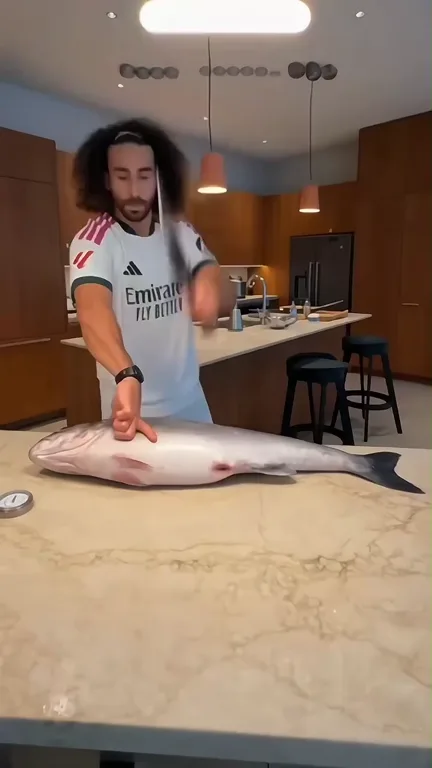
The person, supporting hand, cleaver and whole fish are already positioned at the counter. The first-frame edit preserves that arrangement and changes the person.
Make the fish cutting meme with your own face. Our fish chopping AI turns one portrait into an eight-second kitchen cameo with a giant fish, rhythmic cleaver movements and the reference clip’s original sound. No filming or prompt writing required.
Who is taking over the kitchen?
Upload one clear portrait. The kitchen, fish, cleaver and movement come from the reference.
8 seconds · Vertical 9:16 · HD
Credits are returned automatically if generation fails.
Inside the fish cutting meme
The fish cutting meme AI format turns a familiar food-preparation scene into an exaggerated precision routine. A single person stands at a kitchen island, steadies a giant silver fish and brings the cleaver down in rhythm. The contrast between the calm room and the oversized task supplies the joke.
This version follows the supplied eight-second vertical clip as one continuous scene. Your uploaded portrait first becomes the person in the exact opening frame. That edited image then guides the full reference-video animation, while the source supplies the cutting sequence, camera position and original audio.
 1
The person, supporting hand, cleaver and whole fish are already positioned at the counter. The first-frame edit preserves that arrangement and changes the person.
 2
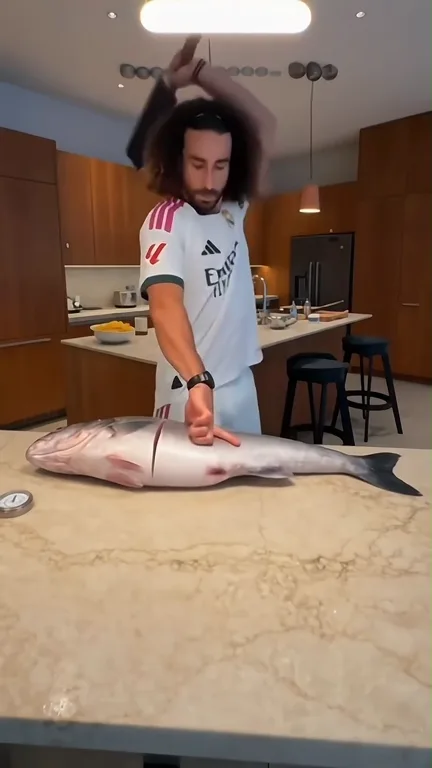
The cleaver rises and falls as the supporting hand and body follow the reference. Hand placement, fish sections and timing need to remain coherent together.
 3
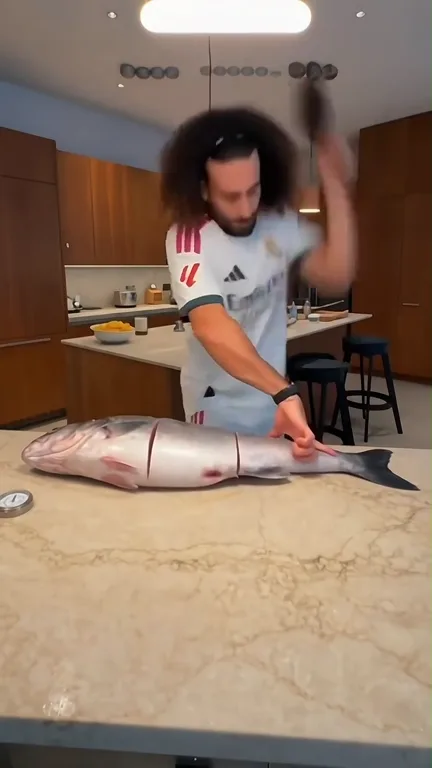
The last movements continue in the same kitchen and camera view. This is one short action sequence, rather than a slideshow or a set of unrelated shots.
A new photo-to-scene illustration
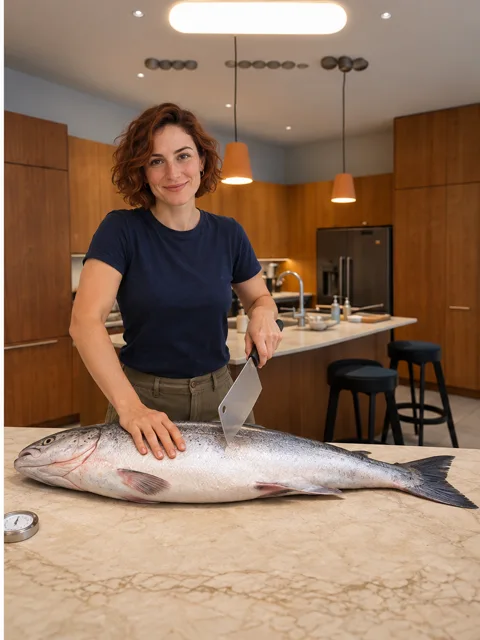
These newly made images illustrate the photo-to-scene idea using a fictional adult. They are not customer video results or a promise of identical output. The separate reference video above shows the action this template follows.
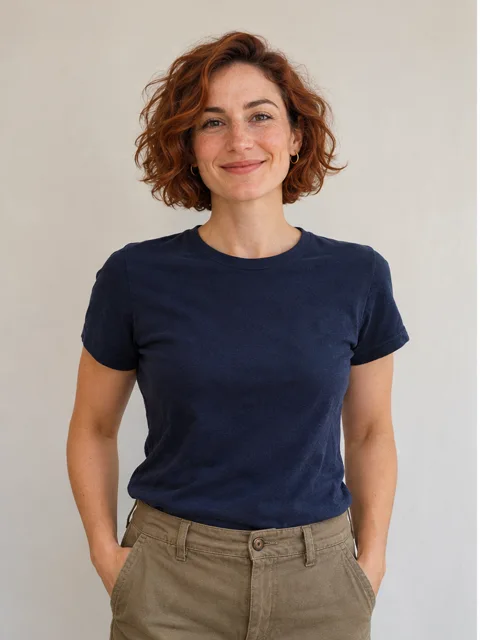
A clear portrait gives the generator a readable identity, hairstyle and clothing reference.
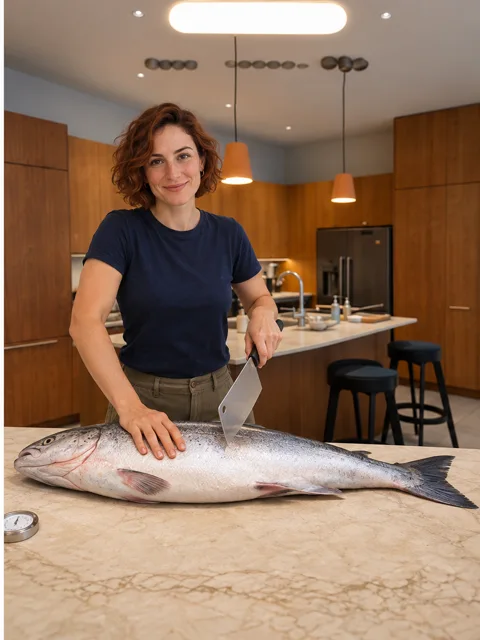
The person is placed behind the counter while the supplied scene defines the fish, kitchen and camera view.
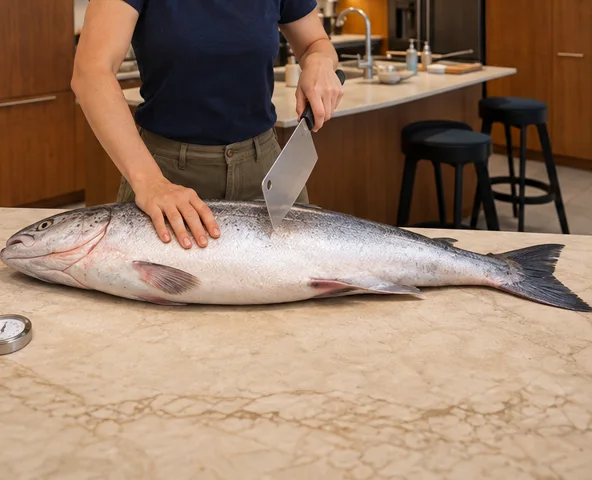
These objects stay part of the reference action. Review their contact and movement when your video is ready.
From photo to fish chopping AI
Bring one portrait. The template handles the kitchen setup and short chopping sequence, so you do not need to film yourself holding a fish or a knife.
One portrait → one edited opening-frame image → one reference-guided video. You do not need multiple photos or separate scene submissions.
Use a sharp portrait with the face, hair, shoulders and some clothing visible. A photo without sunglasses or heavy filters gives the scene edit a clearer identity.
Your photo replaces the single person in the reference’s first frame. The fish, counter, cleaver and original hand positions remain the scene canvas.
Generate with 30 credits. The edited first-frame image and the eight-second reference guide one video request. The original audio is restored at delivery; extra trailing model frames are trimmed to the source-length interval.
Review your face, hands and the cleaver movement here or in My Videos. Download the MP4 before its free 24-hour storage expires.
Photo guide
You do not need a kitchen background, a fish or any tools in your uploaded photo. Choose a clear, well-lit portrait; the reference supplies the props and position.
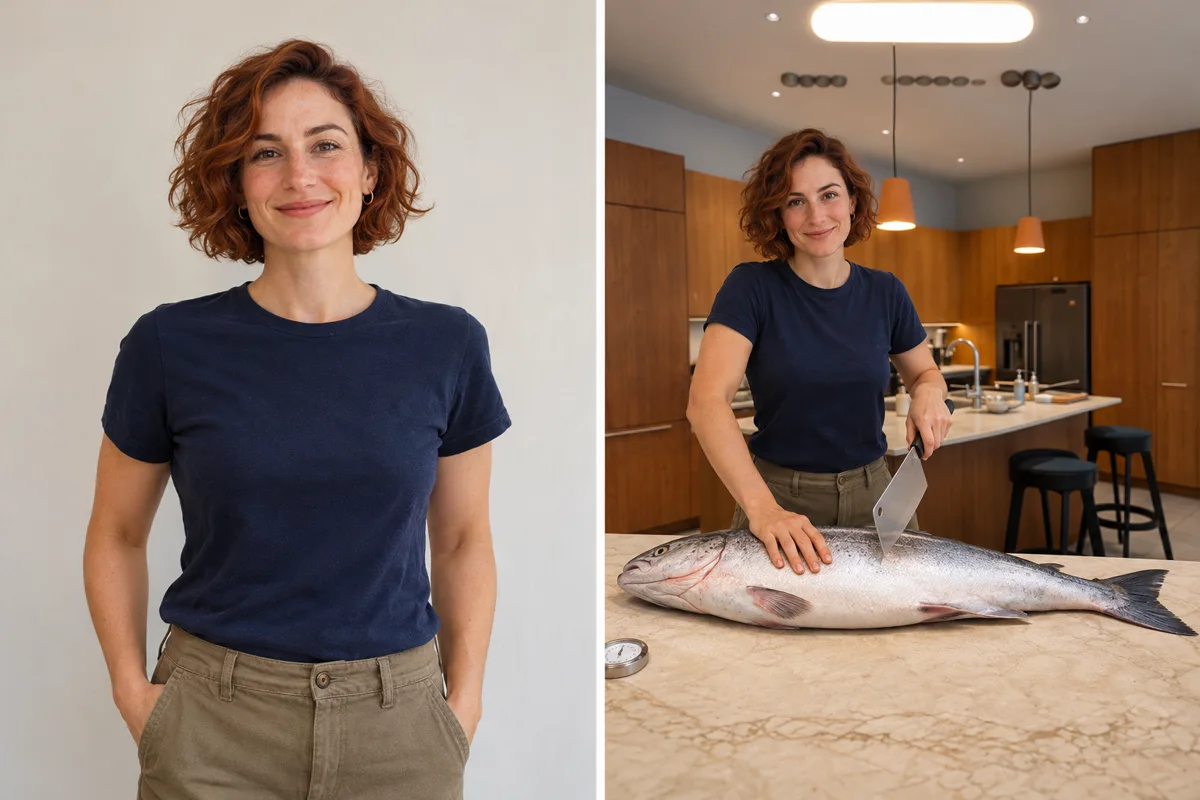
New AI-generated illustrations of a fictional adult. These are visual guides, not tested video results.
Understanding the format
The format combines the visual appeal of a giant-fish preparation clip with an exaggerated, repeatable action. Different edits use different people, captions and soundtracks. This page describes the supplied kitchen version; it does not claim that this upload is the first fish-cutting meme.
A kitchen island, a large fish and a cleaver make the action clear before any caption appears. The stationary viewpoint lets the chopping become the focus.
See this version’s scene ↗The neat repeated action works with captions about being unusually precise, taking a task too seriously or bringing confidence to a simple job. The joke can come from your own caption rather than copied dialogue.
Explore the photo-to-scene idea ↗Fish chopping AI adds a personal twist by putting the uploaded person into the familiar action. This template starts with an edited first frame so the face and composition are established before animation.
Read the generation steps ↗This page uses the provided vertical kitchen clip and its original soundtrack. One portrait, one first-frame edit and one reference-guided animation produce the requested format. No unverified first-creator name or viral-view count is claimed.
Make your version ↗LivelyReel is an independent tool. The supplied video is a reference, not a claimed customer result or an endorsement. The newly created guide images are labeled illustrations. Use photos and audio only with the necessary permission.
Before you post
Try a sharper portrait with a larger face and less editing. Keep the eyes, cheeks, jaw and hair easy to see. Extreme angles and strong beauty filters give the first-frame edit less usable information.
Fast object contact is demanding for video generation. The template follows the reference positions, but small finger and fish details can vary. Review the whole clip before sharing; avoid requesting extra tools or unrelated actions.
Use a JPG or PNG under 10 MB. Convert an iPhone HEIC photo to JPG first.
A retrying task stays in progress, with a localized retry notice. Check My Videos before creating another request. If the task finally fails, its credits are returned automatically.
Ready for your caption
Keep the full kitchen view and choose a caption that fits your own joke. Check your face and hand movement before you share the finished edit.
Use your own photo or someone who agreed to be included. Tag them only if they want to be tagged.
Use the platform’s AI-generated content label when it provides one.
Preserve the vertical 9:16 frame so the face, supporting hand, cleaver and fish remain visible. Check that you have permission to use the sound where you post.
One short video
Buy one video directly on this page, or use 30 credits from your existing LivelyReel balance. No subscription or bundle selection is required.
One-time payment · no subscription
Both searches can refer to AI edits that put a person into a giant-fish chopping scene. Different templates use different clips. This fish cutting meme AI generator follows the eight-second kitchen reference shown here, using your portrait for the person and keeping the source’s chopping action and original sound.
One clear portrait of one adult. You do not need a fish, knife or kitchen in the photo. The generator edits the reference’s opening frame first, then uses that image to guide the video.
One video costs $5.90 through the single purchase on this page, or 30 LivelyReel credits from an existing balance. If generation finally fails, those credits are returned automatically.
The edited first frame and source video guide the action, while aligned reference audio supplies its rhythm. Delivery restores the original audio track. This does not clone your voice, and small hand, facial and object details can differ between outputs.
No. This is an independent LivelyReel photo-to-video generator. The preview is the supplied reference for this version. It is not presented as the first upload of the trend or an official tool from another platform.
Your draft stays in this browser until you submit it. Submitted photos are moderated and processed by our generation providers. Temporary inputs are cleaned up after delivery, and completed videos are stored free for 24 hours. Download your MP4 before it expires.