Make your version of the nighttime car-park rap edit. Give the main rapper one photo and the opening dancer another; LivelyReel handles the scene and performance. The Chase Skepta AI template turns that two-person hand-off into a 9-second video, without a written prompt.
Cast your rap scene: two photos, two different parts
Main rapper: comes forward, performs to camera and carries the ending.
Opening dancer: takes the first moment, then moves behind the rapper.
Add your own details · optionalHD
9 seconds · Square 1:1 · HD
Credits are returned automatically if generation fails.
THE CHASE SKEPTA AI · PHOTO-TO-RAP
The moment the camera becomes yours
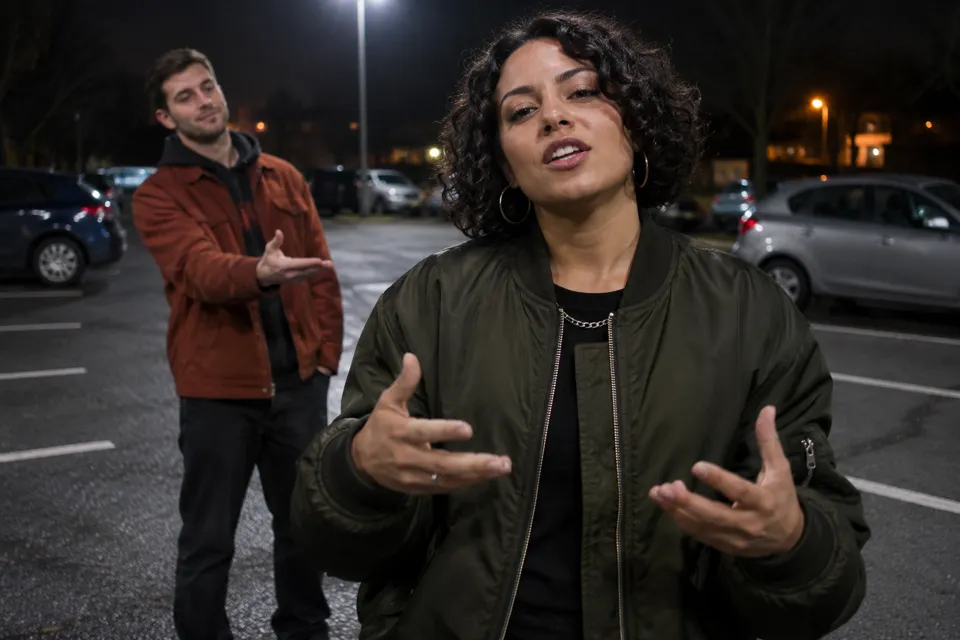
The scene starts with someone already close to the lens. Then the focus changes: the opening dancer moves behind, the main rapper takes the foreground, and a small car park becomes the stage. The contrast between a familiar face and a confident performance is the point of this edit.
This page is for making that specific two-person rap cameo. You do not have to film yourself outdoors, find a parking location or perform the verse. Supply the cast photos and review the finished AI interpretation of the reference performance.
New AI-created concept illustration. This explains the foreground/background roles; it is not a customer result or a frame from the video above.
WHO GETS THE CLOSE-UP?
Choose the rapper before you choose the photos
There are two upload boxes because the two people do different things. Match the photo to the action you want that person to perform.
Main performer: the rapper
This person steps forward and performs the longer rap passage close to the lens. Choose the face you want people to recognize in the final solo shot. A clear face and shoulders give the model a stronger identity reference.
Upload on the left: Main performer
Opening performer: the dancer
This person introduces the scene, then gives the foreground to the rapper and moves behind. Their role is a brief opening and background movement, rather than sharing the whole rap close-up.
Upload on the right: Opening performer
Roles come from the upload boxes, not gender, clothing or ethnicity. The model should not decide who raps based on how someone looks.
WATCH THE HAND-OFF
Three details to notice in the example
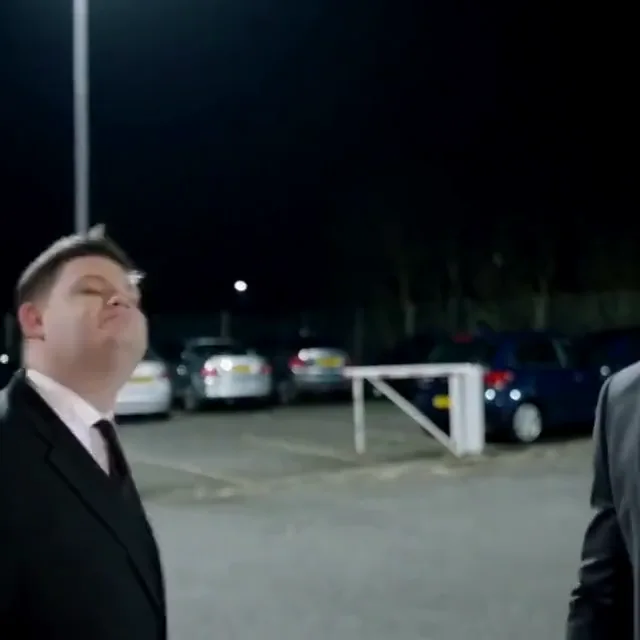
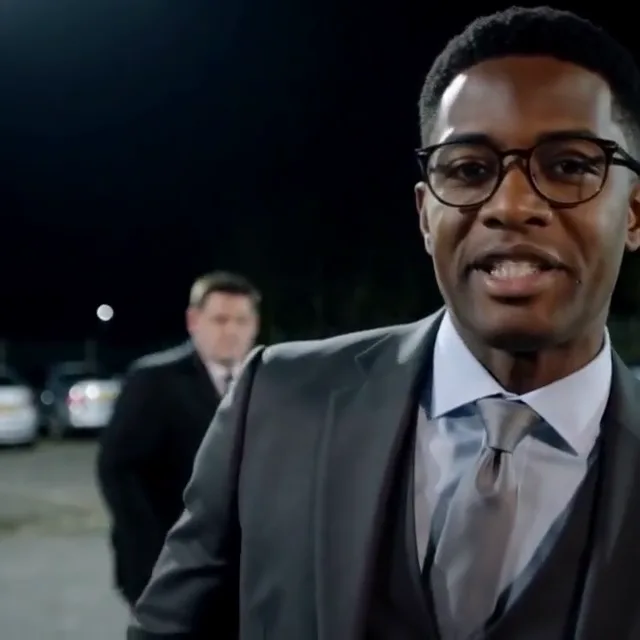
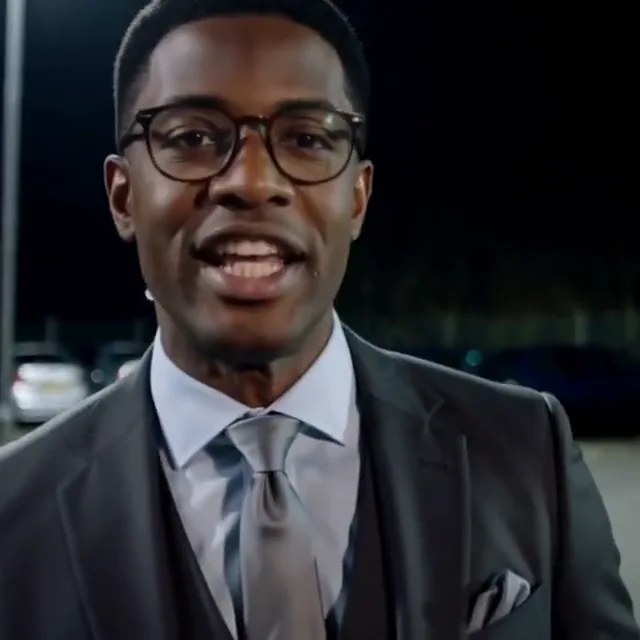
These stills come from the finished LivelyReel example playing above. They show what to watch for when you check your own result: the opening, separation between the people and the lead at the end.
The first face sets the tone
The opening performer establishes the scene immediately. The background stays a nighttime car park rather than becoming a studio or a music stage.
The rapper takes the foreground
The main performer moves closer as the opener recedes. Keeping the two faces at different depths makes the change of focus readable.
The ending belongs to the lead
The last close-up is carried by the rapper’s gaze, mouth movement and expression. It is a short performance finish, not a static portrait with music added.
A PRACTICAL WALKTHROUGH
How to do The Chase Skepta AI trend
Use the generator at the top of this page. The scene is prepared already; your decisions are the two faces and their roles.
01
Pick the main rapper
Add that person to Main performer, the left box. Use a separate JPG or PNG with the full face visible. Do not upload a distant group shot and expect the tool to guess the subject.
02
Cast the opening dancer
Add the second person to Opening performer, the right box. Check both previews before continuing. Swapping the photos swaps the roles; it does not change the choreography.
03
Confirm and create
Confirm permission to use the photos. Signed-in customers can spend 30 credits. The $5.90 single-video option takes new visitors through sign-in or registration and secure payment, then returns here.
04
Check the finished rap edit
After payment, press the creation button to start. Allow processing time, then review the two identities and mouth movement. Download the MP4 while it is available in My Videos; a completion email also provides access.
BUILD A STRONGER FACE REFERENCE
Portraits for a moving close-up
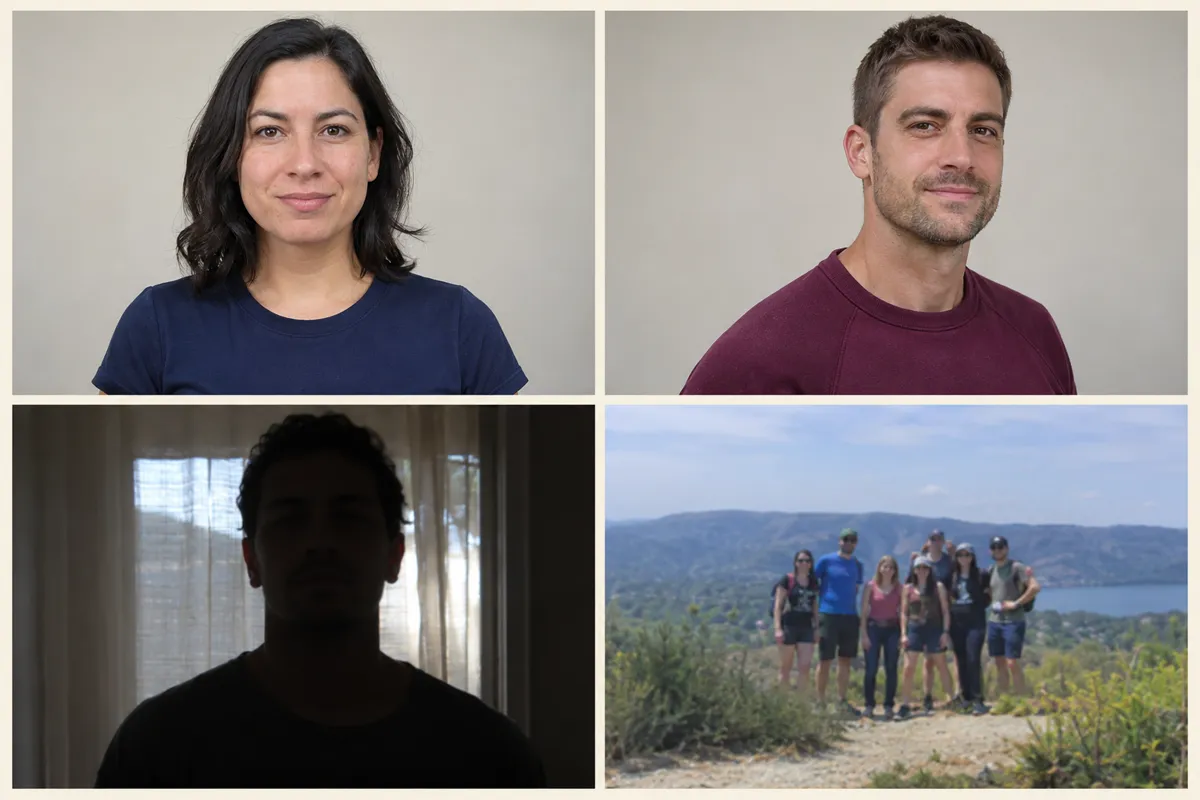
The camera comes close enough that an unclear face can become obvious. Choose a useful reference for each person rather than the most dramatic photo in your gallery.
Useful: a clear front-facing portraitUseful: a gentle three-quarter angleAvoid: a face lost in shadowAvoid: an ambiguous group photo
AI-generated input-quality illustrations made for this page. These are not uploaded customer photos or promised video outcomes.
Keep the eyes and jaw visible
Sunglasses, a hand over the face or an extreme side view can hide the features the close-up needs. A relaxed, neutral expression is a useful starting point.
Keep natural facial detail
Strong smoothing, heavy face filters and deep shadows remove information. Your input does not need a night background; the template provides the car-park setting.
Upload each person separately
There is no combined-photo mode here. Two individual portraits make the casting decision explicit, even if both people appear together in your original photo library.
SEARCHING FOR “THE CHASE AI FILTER”?
A generated rap scene, rather than a camera overlay
If you arrived from a tutorial calling this The Chase AI filter, this LivelyReel page creates a finished video from photos. You do not need to find an effect inside TikTok, record a live selfie or write the rap directions yourself. This is an independent web generator, not an official TikTok filter.
The Chase AI template uses the reference performance to guide the camera, movement and sound timing. It is still generative video: familiar choreography does not guarantee identical fingers, facial detail or perfect lip sync in every result.
The performance is already planned
The opener, hand-off, foreground rap and closing expression follow a prepared reference. Extra notes should concern small visual preferences rather than asking for another scene.
Sound and mouth timing are linked
Reference audio and video guide the visible delivery together. You do not have to type the lyrics or record your voice. Review the final mouth movement before sharing.
The cast stays in assigned roles
Each uploaded photo supplies a specific character reference. The main rapper should remain the main rapper as the framing changes, while the opener moves behind.
THE NAME AND THE MUSIC
The Chase, Skepta and the Schooling Seniors label
The Chase Skepta AI is the search phrase this page is designed to answer. On LivelyReel, it refers to this short car-park rap template. It should not be taken as an official song title, a new Skepta release or an endorsement by the artist.
The related Schooling Seniors name comes up in the music context. Frank Medley publishes a track under that name on Bandcamp. Our Schooling page keeps the longer source notes and documented music history; this page focuses on casting and creating the rap edit.
The left upload is the rapper; the right upload is the opener. If the result reverses that intention, first check the two previews you submitted rather than guessing from clothing.
Does the close-up still look familiar?
Watch the transition into the foreground and the final solo moment. If identity drifts, an unobstructed portrait is a better starting point for another attempt. Improved input is not a guarantee.
Does the delivery follow the sound?
Turn the player sound on and watch once from start to finish. Check mouth timing and hand movement together. The preview starts muted; silent playback alone does not mean the finished file has no audio.
POST YOUR VERSION
Let the entrance set up the caption
You do not need to quote a verse to explain the joke. Use an original caption about your cast or the moment the lead steps forward.
#TheChaseSkeptaAI #TheChaseAI #LivelyReel
Make the AI edit clear when publishing, get the people’s permission and check music permissions for your intended use. Preserving reference audio does not grant a music license.
Questions about making The Chase Skepta AI video
How do I make The Chase Skepta AI trend from my photos?
Use the form above with two individual portraits. Put the rapper in Main performer on the left and the opening dancer in Opening performer on the right. Confirm permission, complete payment if needed, then start the prepared video generation.
Is The Chase AI filter an effect I need to install?
Not for this tool. LivelyReel makes the video online from your uploaded photos. There is no camera-effect installation or live recording step, and this page is not an official TikTok effect.
Can I choose who raps and who dances at the start?
Yes. The left upload controls the main rapper and the right upload controls the opening dancer. These parts are assigned by position, not by gender, skin tone or clothing. Check the labels before you create.
Do I need to supply lyrics, my voice or a reference video?
No. This template includes its reference scene and audio timing. Add the two photos; do not type copyrighted lyrics or upload another soundtrack to make this prepared edit work.
What do I get for $5.90?
The dedicated single purchase provides 30 credits, enough to create one 9-second HD video in the square 1:1 format. Existing customers may use their balance. Once payment is confirmed, return to the form and start creation; it does not start merely because payment finished.
Will the rap mouth movements and faces be exact?
The reference performance guides expression, action and mouth timing, but the output is generated. Faces, fingers or lip sync may vary. The video shown here is an actual completed example, not a promise that every upload produces an identical result.
How long does it take, and where will I receive it?
The page shows a usual processing estimate of 3–10 minutes; provider queues can make it longer. A finished video appears in My Videos and triggers an email notification. Download it within the free 24-hour storage period. A failed generation returns the spent credits.
Is this different from the Schooling Seniors generator?
The two LivelyReel pages currently use the same generation template, price and reference performance. This page is the hands-on guide for The Chase Skepta AI search; the Schooling page covers that name and the music-source background. You do not need to purchase both.
Try another kind of entrance
For a different performance after your rap cameo, explore a band setup or a cinematic church entrance.
The single purchase is specific to this video. You will not have to choose a larger credit pack halfway through the checkout flow.
The Chase · 9-second rap performance
$5.90
One-time purchase. Existing customers can use 30 credits.
Two assigned roles: main rapper and opening dancer
Prepared scene references and an HD square video
Original reference audio retained in the MP4
24-hour video storage; credits returned if generation fails
An independent LivelyReel AI template. Not affiliated with or endorsed by the original performers or the source production. Use only photos and media you have permission to use.