 1
The opening look
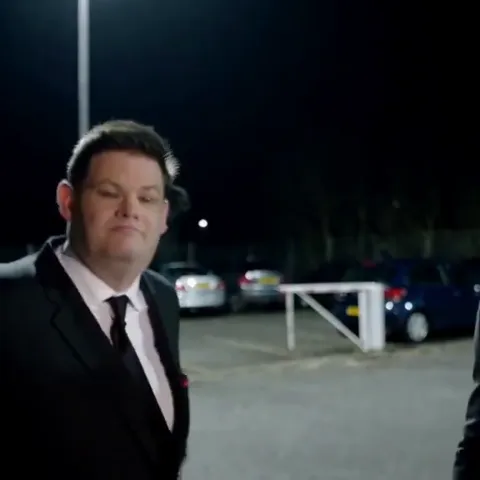
The opening performer fills the left side of the frame. A close, expressive face establishes the joke before the lead arrives.
Give two familiar faces the parking-lot spotlight. Add your photos and let this short, expressive performance play out with your cast. No script or prompt to write.
Add one photo for each performer
Steps forward and delivers the main performance.
Starts near the camera, then moves behind.
9 seconds · Square 1:1 · HD
Credits are returned automatically if generation fails.
The scene
The Schooling Seniors template is built around a nighttime parking-lot exchange: one performer opens the scene and moves away, while the other steps up close with expressive head turns and a confident delivery. Your photos determine who plays each part.
The short square format keeps the attention on the faces. The reference guides the timing and camera movement; the result is a new AI-generated performance, so small details can vary.
 1
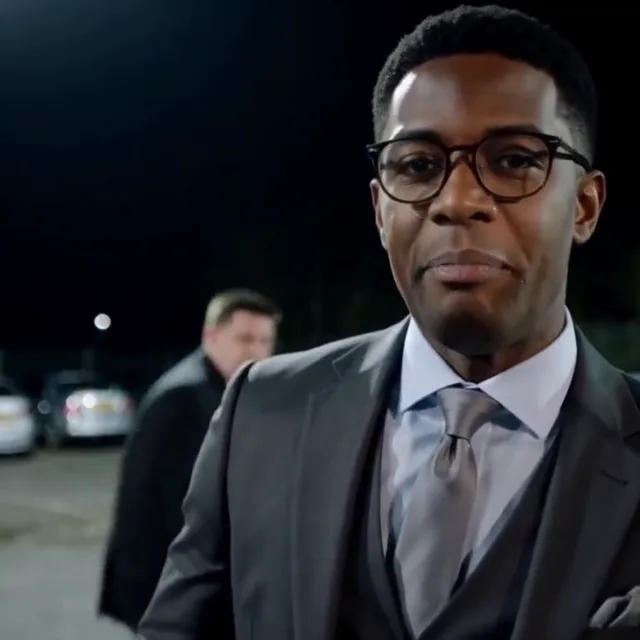
The opening performer fills the left side of the frame. A close, expressive face establishes the joke before the lead arrives.
 2
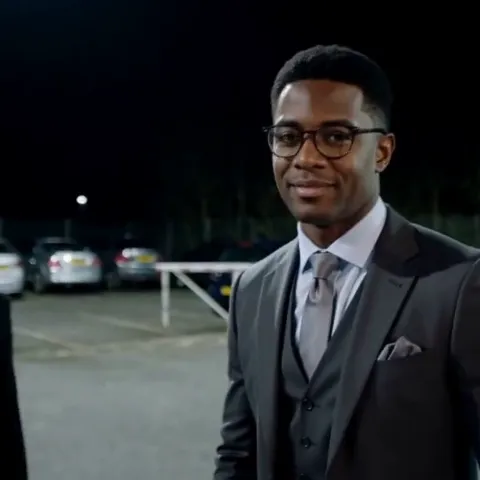
The opener retreats while the second person moves toward the camera. Their identities stay separate through the hand-off.
 3
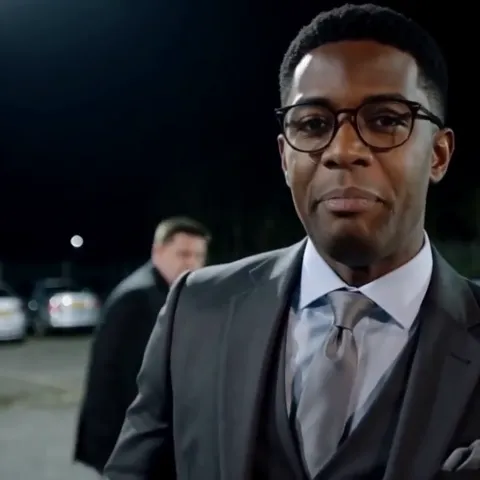
The main performer takes the close-up. The opener remains smaller and farther back, rather than becoming a second foreground face.
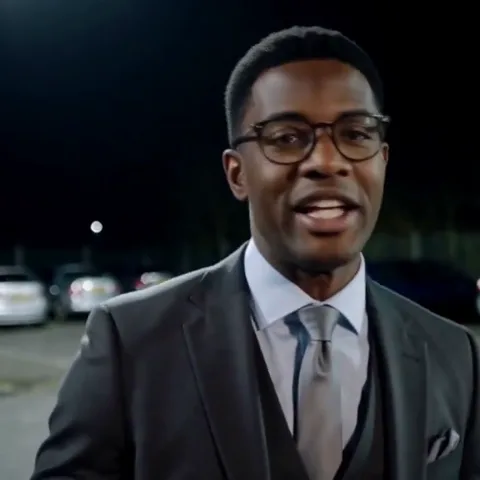 4
Later in the example, the camera settles on the main performer alone. Small shifts in gaze and head position keep the delivery expressive.
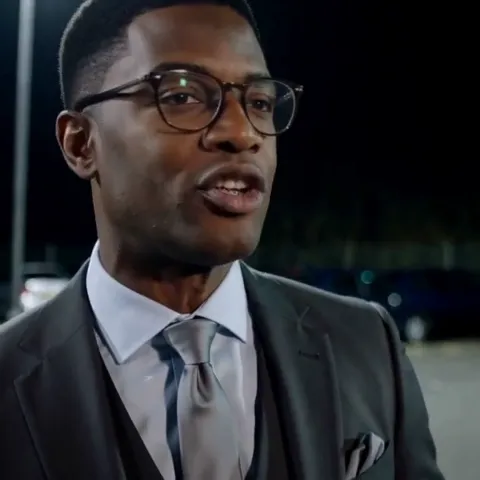 5
The lead carries the final delivery with the reference head movement, gaze and mouth motion. A short ending keeps the clip punchy.
A closer look
These four stills come from the LivelyReel-generated example shown above. They illustrate the opening, hand-off and solo close-up within one continuous video.
A recognizable face sets the tone immediately.
Foreground and background roles become easy to read.
The solo turn gives the performance its next beat.
Small facial movements carry the ending.
How it works
Choose the cast; the template already has the setting, sequence and performance direction.
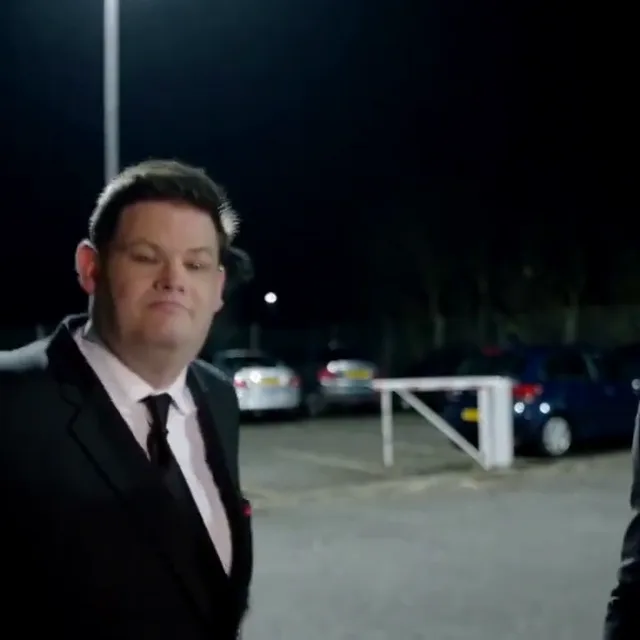 Opening performer
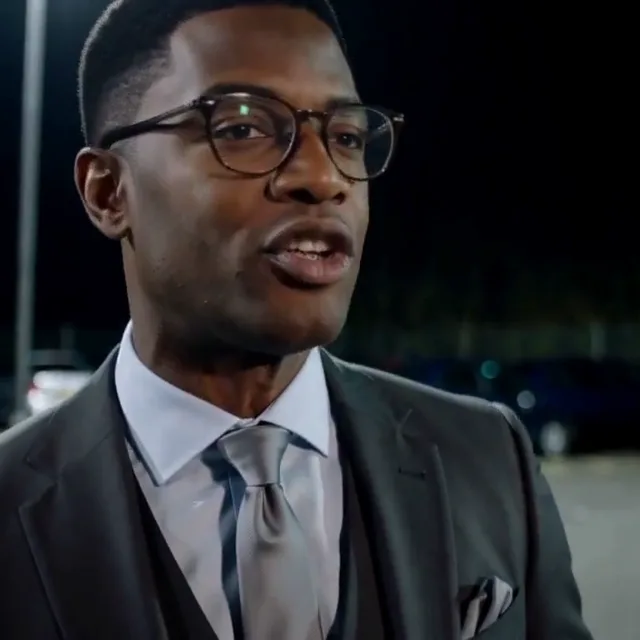 Main performer
Role positions illustrated with our generated example. Upload your own photos in the form above.
Upload two separate portraits: the main performer on the left and the opening performer on the right.
The opening performer moves back. The main performer gets the longer close-up.
Confirm permission and generate with credits. New visitors can buy one video without choosing a package.
Find the result on this page or in My Videos, and download it before the 24-hour storage window ends.
Photo guide
The main performer comes close to the camera, so a clear face matters more than a distant full-body pose. Keep hair, face shape and visible clothing easy to distinguish.
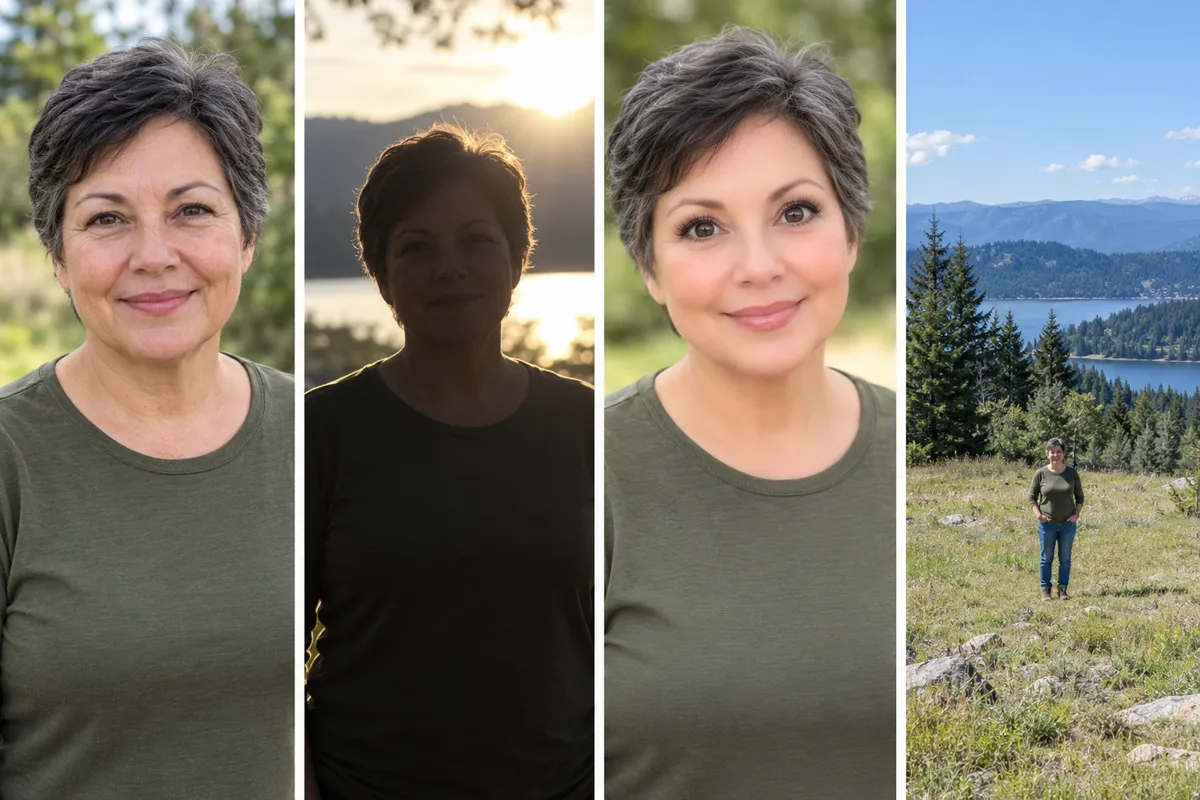
AI-generated photo-guide examples. These illustrate input quality, not generated video results.
Sound, scene & background
The music trail leads to producer Frank Medley and a Skepta freestyle, rather than unrelated releases sharing the same title. The records below distinguish the older vocal, Medley’s published version and its use in football edits. They do not establish the origin of the parking-lot footage.
nss sports traces the vocal in Frank Medley’s version to a Skepta freestyle from 2009 and links to SKEPTA BLACKS FREESTYLE. The report concerns the music, not the people or location in this template’s footage.
Read the music-source report ↗Frank Medley’s own Bandcamp lists schooling seniors on Zzz, with an album release date of August 6, 2026. This is a dated record of that edition, not proof of when the remix was first made or first shared online.
View Frank Medley’s Bandcamp ↗By September 2026, nss sports was reporting football tributes using the track. Brentford FC’s own September 16 Callum Wilson post also identifies schooling seniors by Frank Medley as its audio.
View Brentford FC’s post ↗Official Charts records a first chart date of September 24, 2026 and a peak of No. 20 on the Official Independent Singles Breakers Chart. This is that specific chart, not a claim of a Top 20 place on the main UK Singles Chart.
View the Official Charts record ↗The original production and first upload of the underlying source clip remain unverified. Music release dates and football-post dates should not be presented as that footage’s origin. The preview and scene stills on this page are our AI-generated example.
Quick fixes
Check the upload labels: Main performer is the left upload and gets the longer close-up. Opening performer is the right upload and moves into the background.
Try a sharper photo with the eyes and face unobstructed. Avoid distant group shots and strong filters.
Choose a JPG or PNG under 10 MB. Export an iPhone HEIC image as JPG first.
A failed generation returns its credits automatically. Check My Videos for its final status before starting again.
Ready to share
Keep it short and make the joke yours. These original caption ideas are a starting point.
Tag the people you featured if they want to be tagged.
Use the AI-generated content label when sharing on a platform that provides one.
Preview the crop before posting so neither performer is cut off.
One video, one payment
The single-video purchase is available here. Existing LivelyReel customers can use their balance.
One-time payment · no subscription
No. Add the photos, check the roles and confirm permission. The template supplies the scene and performance instructions. Extra details are optional.
Upload the main performer on the left and the opening performer on the right. Use a separate, clear photo for each person; group photos are not supported.
The single-video purchase is $5.90 and provides enough LivelyReel credits for this template. Signed-in users see the required credit amount and can use their existing balance.
The model uses the reference video and synchronized audio to guide movement and mouth timing. This is generative editing, so an exact frame-by-frame match is not guaranteed.
You return to this page. Once payment is confirmed, your credits appear in your balance. Check your photos and press the generation button to start.
Photos are kept in this browser while you prepare the form. When you generate, they are uploaded for moderation and processing by our generation providers. Temporary server inputs are cleaned up after delivery; completed videos are stored free for 24 hours. See our Privacy Policy for details.